
 ES
ES
 DE
DE
 FR
FR
 IT
IT
 Austria
 Belgium
 Bulgaria
 Croatia
 Cyprus
 Czech Republic
 Denmark
 Estonia
 Finland
 Greece
 Hungary
 Ireland
 Liechtenstein
 Lithuania
 Luxembourg
 Malta
Malta
 Netherlands
 Poland
 Portugal
 Romania
 Slovakia
 Slovenia
 Sweden
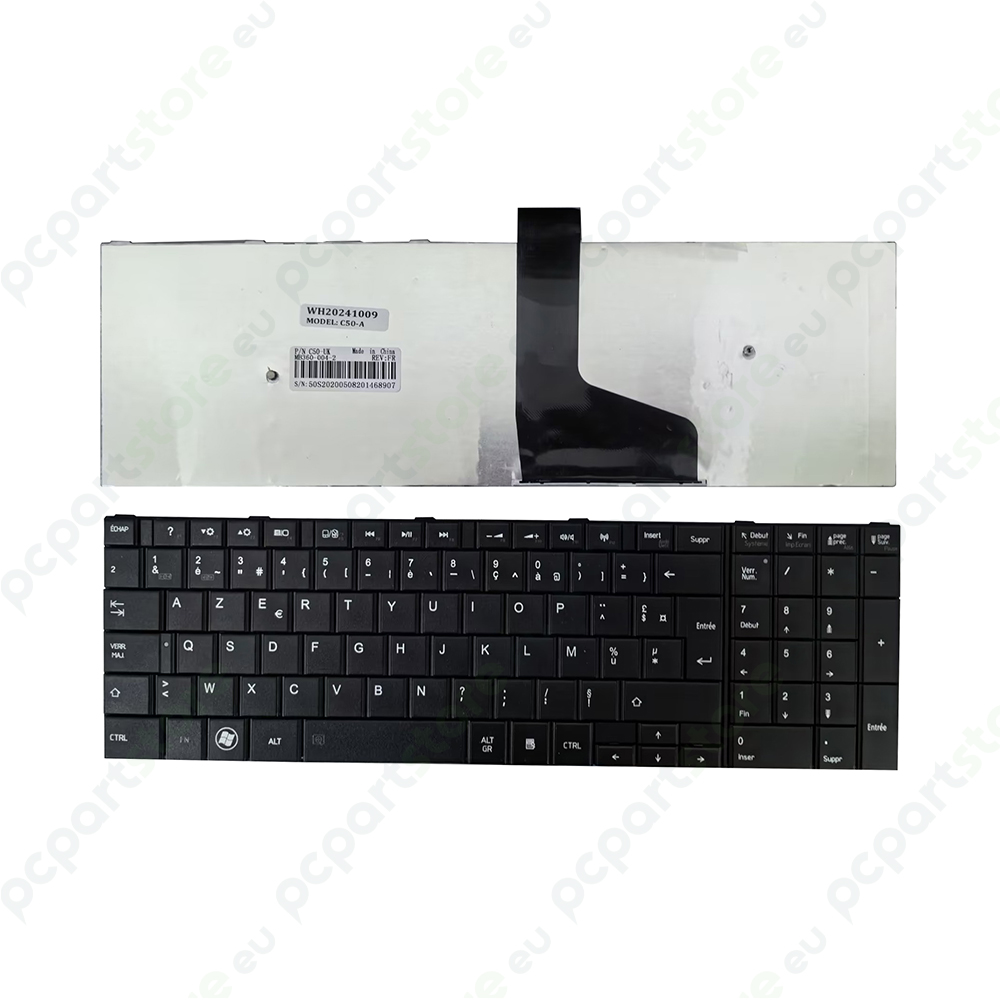
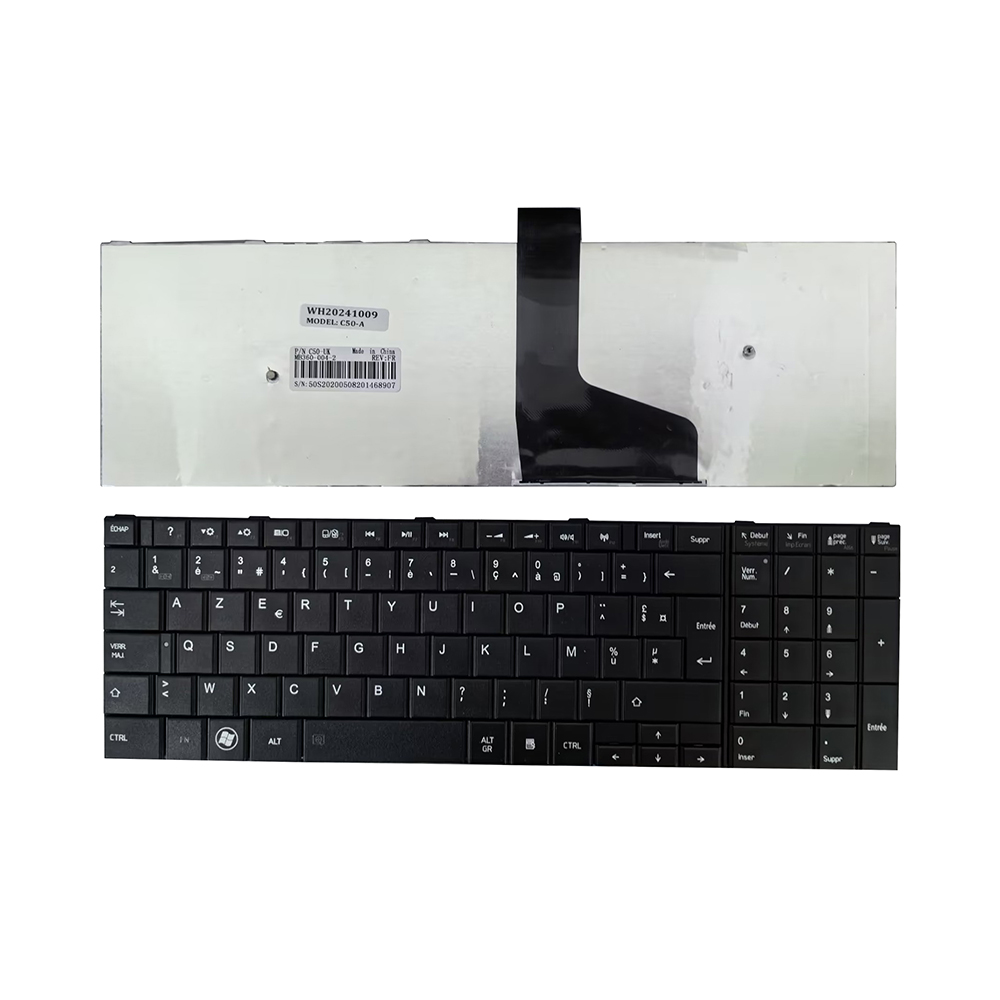
French AZERTY Keyboard Compatible with Toshiba Satellite C50-A, C50, C50D, C55, C55D, C55T, and C50dt-A
Replacement AZERTY French Keyboard Compatible with Toshiba Satellite C50-A, C50, C50D, C55, C55D, C55T, and C50dt-A
Extensive Compatibility with Toshiba Computers
This French AZERTY replacement keyboard is perfectly designed for a wide range of Toshiba Satellite models: C50, C50-A, C50D, C50dt-A, C55, C55D, and C55T. It is an excellent alternative for replacing a defective or worn-out original keyboard, without compromising on quality or compatibility.
Brand new and ready to use, this keyboard offers a direct connection thanks to its ribbon cable, which is identical to that of the factory model. It requires no hardware or software modifications.
A comfortable typing experience for greater productivity
Featuring a standard AZERTY layout, this keyboard enables smooth, precise, and comfortable typing, whether for work, school, or everyday browsing. It’s an ideal choice for any French-speaking user.
Durable materials and a sleek design
The sturdy plastic construction ensures long-lasting durability. With its elegant black color, it blends perfectly with the classic style of Toshiba Satellite laptops.
Quick installation—no tools or drivers required
Installation takes just a few minutes. Unplug the old keyboard, connect the new one using the flat cable, and you’re all set. No software or drivers are required—the system recognizes the keyboard immediately.
The benefits of this Toshiba replacement keyboard
This keyboard lets you breathe new life into your Toshiba Satellite at a low cost. It is fully compatible with the C50-A, C50D, C50dt-A, C55, C55D, and C55T models. Offering excellent value for the price, it stands out for its ease of installation, reliability, and comfort of use. Perfect for effortlessly extending the life of your laptop.
Before purchasing, we recommend that you check the exact model of your device (often indicated on the bottom of the laptop) to ensure perfect compatibility.
| Type | French AZERTY |
| Backlight | None |
| Color | Black |
| Condition | New |
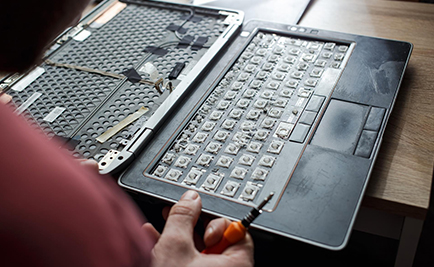
Replacing a laptop keyboard: a practical step-by-step guide
Has your laptop's keyboard become unresponsive, or are certain keys erased or broken? Maybe it's time to replace it. But is it a simple or complex operation? It all depends on the model of your device and how you attach the keyboard. Here's a...
Read +
How do you identify the exact model of your laptop?
When you need to replace a part, search for a driver, or check compatibility with an accessory, it's essential to know the exact model of your laptop. Here are several simple and effective ways to find this information. Check the information...
Read + France
 Belgique
 Pays bas
 UK
UK